Invoices show a made-up billing address
Major · people can finish, but only with a workaround or wrong results
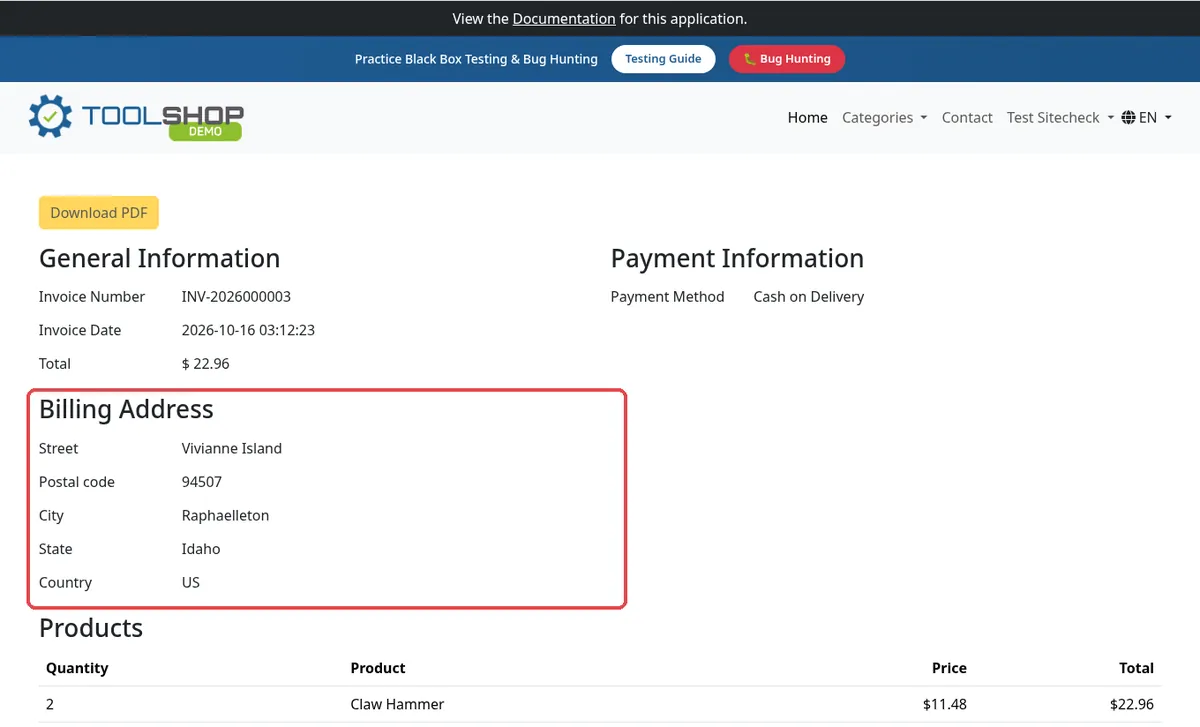
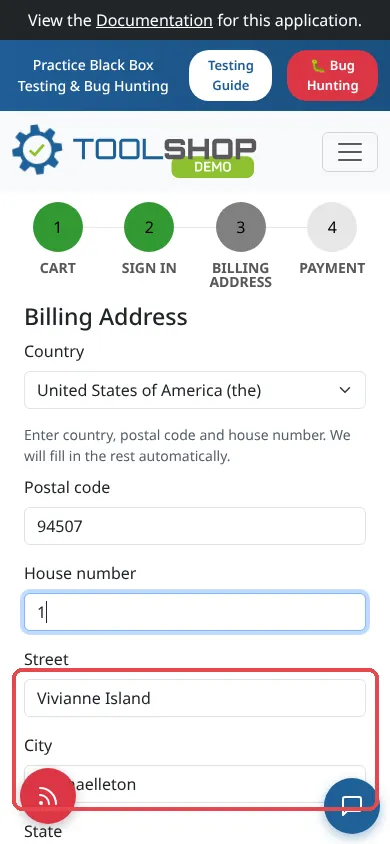
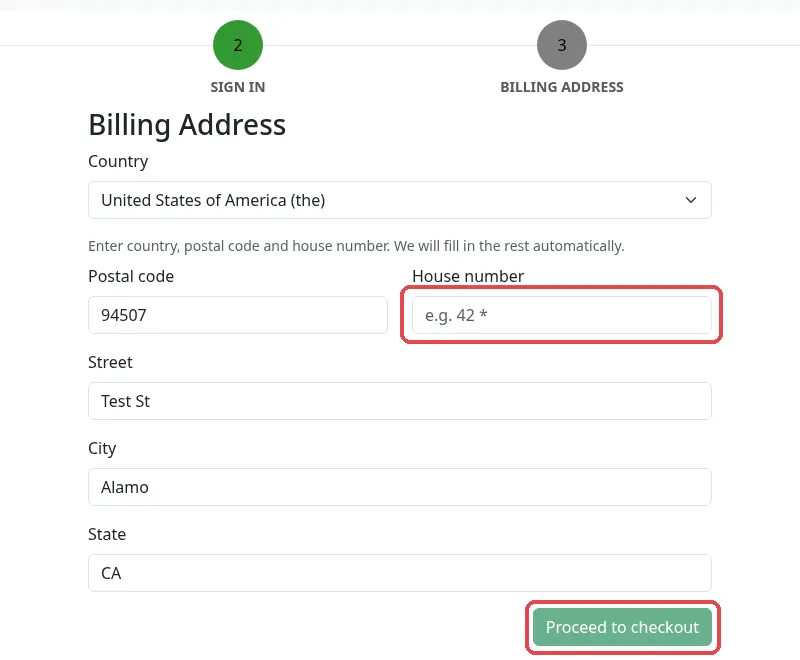
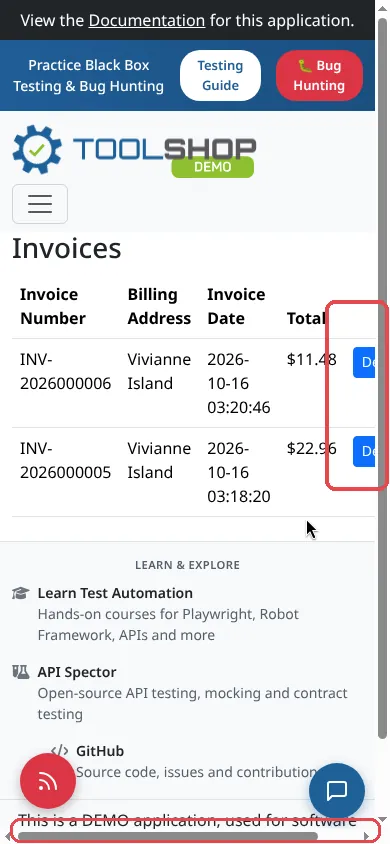
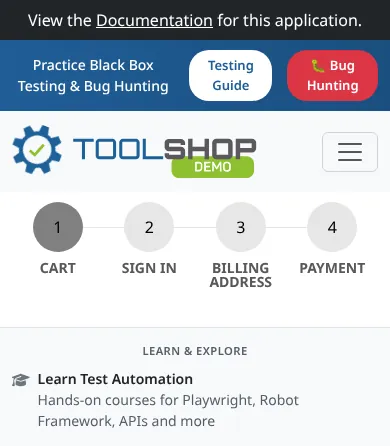
We used a real-looking address: Test St, Alamo, CA 94507. Every invoice came back with “Vivianne Island, Raphaelleton, Idaho” instead. On mobile we watched it happen: as soon as the house number is entered, the form’s automatic address lookup replaces Street, City and State with that fake address. It does this at signup and again at checkout. On desktop the billing form still showed Test St, Alamo, CA, but the invoice did not.
Steps to reproduce
- Register with country US, postal code 94507, house number 1, Test St, Alamo, CA.
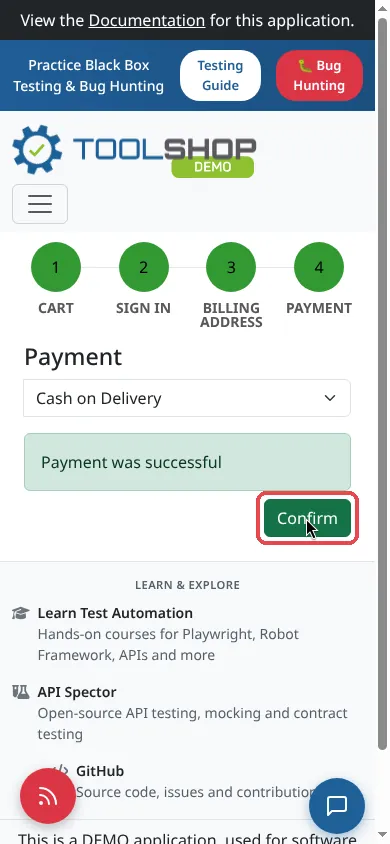
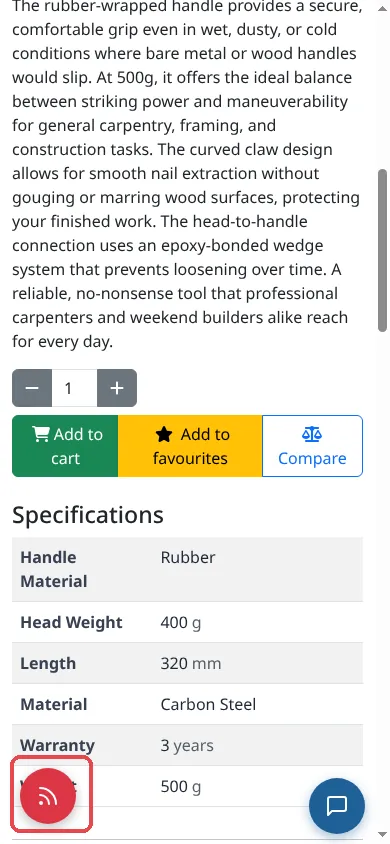
- Add a Claw Hammer to the cart and check out with Cash on Delivery.
- Open My account → Invoices and open the new invoice.
Expected
The invoice shows the address you entered: Test St, Alamo, CA 94507.
Actual
Street “Vivianne Island”, City “Raphaelleton”, State “Idaho”. Postal code 94507 and country US are kept.
How often we saw it: Desktop: 2 of 2 orders (INV-2026000003, INV-2026000004). Mobile: 2 of 2 orders (INV-2026000005, INV-2026000006), and 2 of 2 at signup.